macOS · Windows · Linux — local first
The whole story, within reach
of the sentence you are writing.
Linetta is a calm writing studio for novels and web fiction. Outline, characters, places, relationships, plot threads and research live beside the manuscript — in a SQLite file on your own disk, with no account and no mandatory cloud.
- No account, no subscription
- The manuscript stays on your disk
- Korean, English, Japanese
§ 01 — What it is
Writing is not project management.
A long story accumulates state. By episode forty, a promise made in chapter three, a debt, and the colour of somebody’s coat are all load-bearing — and none of it is in the paragraph on screen.
Most tools answer that with more ceremony: boards, tags, statuses, a second app to keep current. Linetta answers it by putting the story’s memory beside the sentence — one keystroke away, never in the way.
So the editor stays a quiet serif page. Everything else — outline, characters, plot spine, research, history — is a rail or a panel you open when the sentence needs it, and close when it does not.
§ 02 — The workspace
One room for the whole work.
Every panel is built around the same question: what does this scene need to be consistent with?
The page
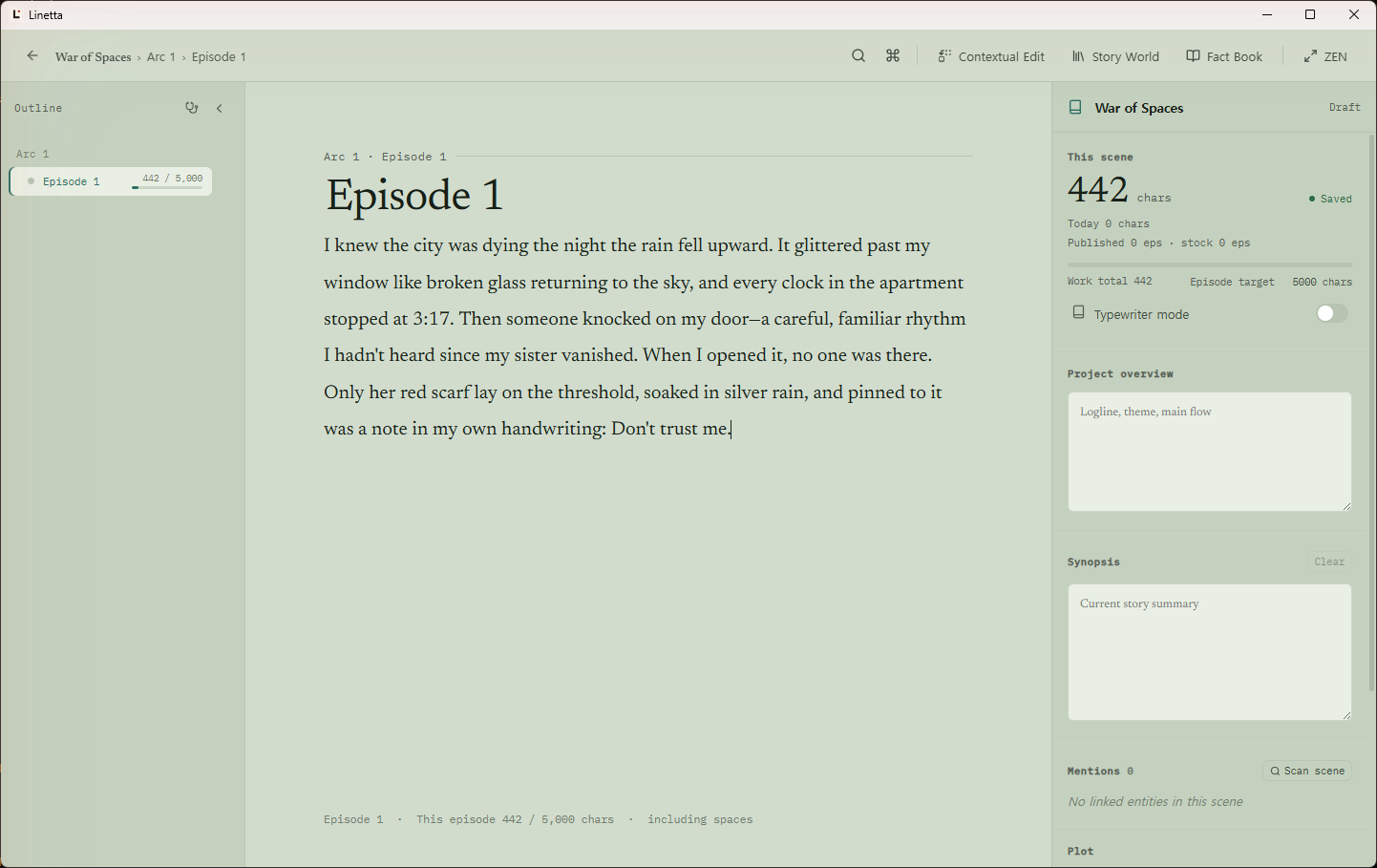
A serif page, the outline beside it, and the scene’s own record.
Write scene by scene with the outline within reach and the count where you can ignore it. The right rail holds what you check without leaving the sentence — characters written today, the episode target, the synopsis, the entities this scene mentions.
- Parts and chapters, or arcs and episodes — Linetta numbers the tree in the language of the interface
- Per-scene length targets with a live count, beside the work total
- ZEN empties the room down to the text and a counter
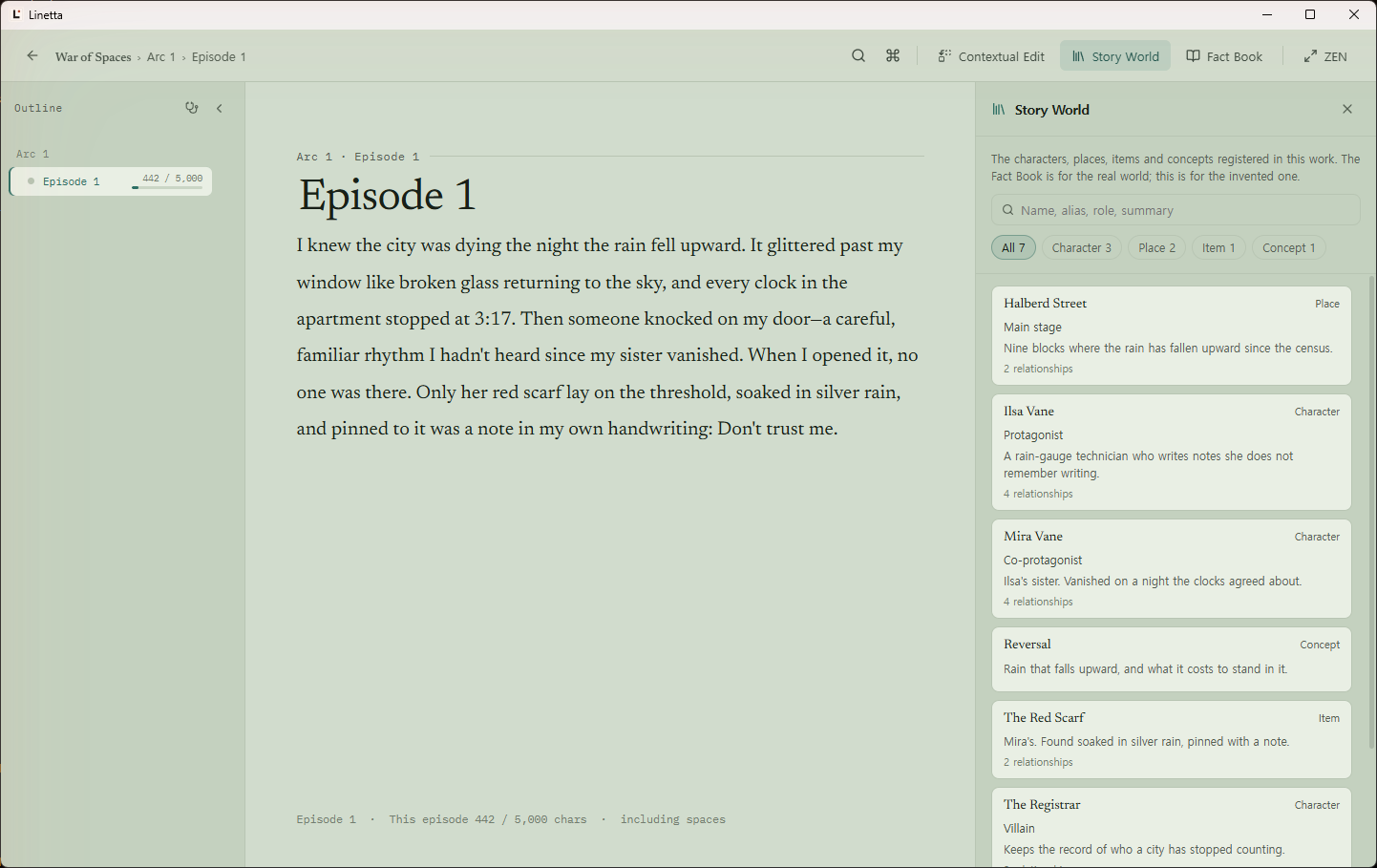
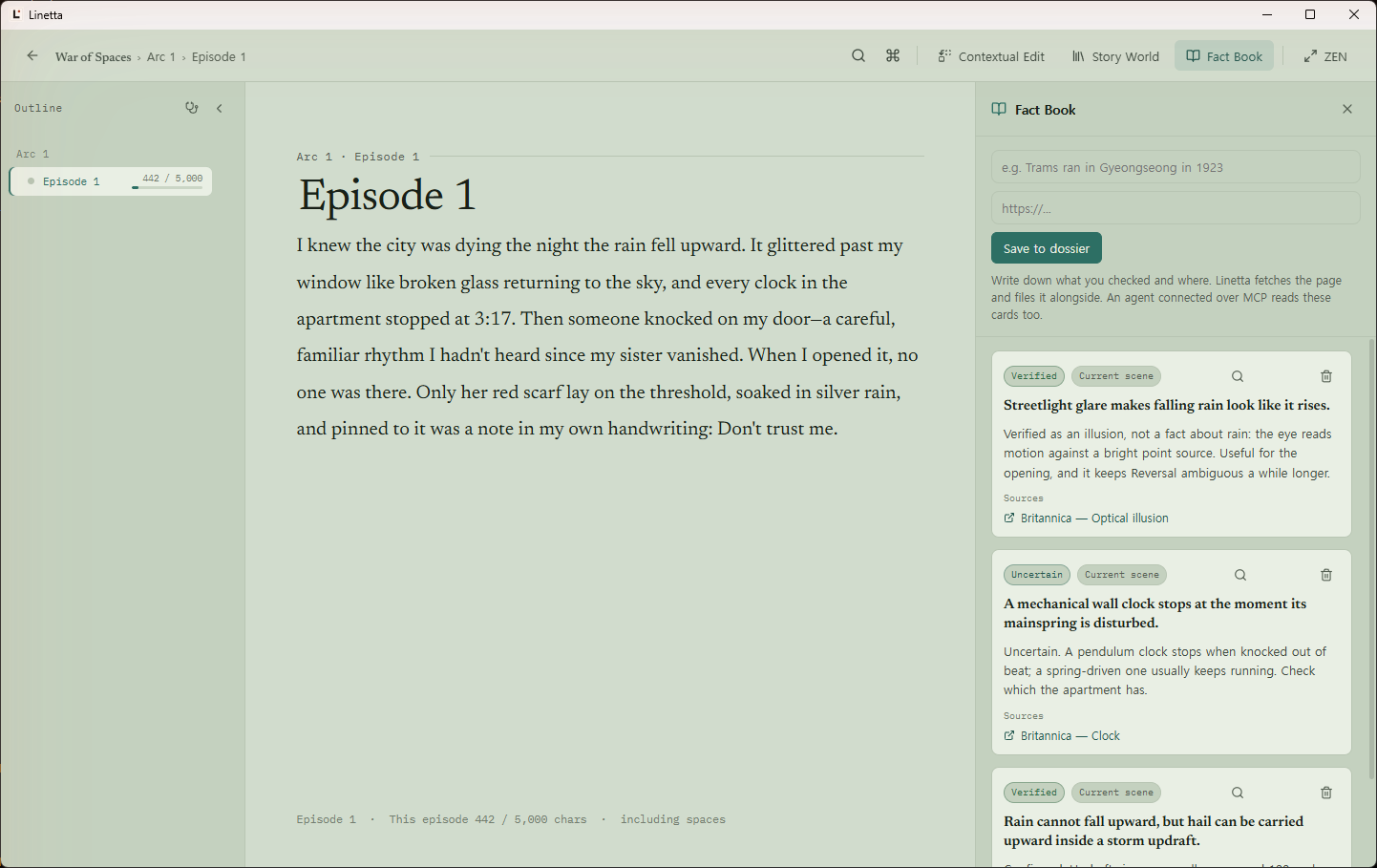
Also in the room
Contextual Edit
Fix a fact everywhere
Change a character, place or relationship once, and Linetta finds the scenes that still carry the old version and walks you through them. No language model involved.
Plot
Threads on a spine
Storylines and beats placed across the outline, so a promise you opened in episode 3 is something you can see rather than something you remember late.
History
Snapshots per scene
Manual and automatic snapshots, restorable. Manual ones, and the ones taken before an agent writes, are kept indefinitely.
Record
Writing pace
A seven-day average and the number of episodes per week it implies. No streaks, no guilt.
§ 03 — Agents
Bring your own agent, or your own key.
Linetta ships no model and no subscription of its own. Connect an agent you already run — Claude Code, Claude Desktop — over MCP, using the subscription you already pay for and no credential to Linetta at all. Or turn on the built-in agent below and give it a provider of your own.
A generic filesystem MCP server can already read and write Markdown. What it cannot assemble is the brief for one scene: where that scene sits in the outline, the summaries above it, the previous scene’s summary, character and relationship briefs, the plot spine, fact cards, memories, and your style and length targets.
That brief is what Linetta hands over, and it is the reason a draft written outside the app comes back without contradicting episode fourteen. The writer keeps the desk, the filing cabinet, and the veto.
Claude Code — one line in your terminal
claude mcp add --transport http linetta http://127.0.0.1:7391/mcp \
  --header "Authorization: Bearer <token>"
Claude Desktop connects through the linetta-mcp stdio bridge, which some builds ship and others do not — Settings says which, and where to get it otherwise. The token is generated when you turn MCP on and can be regenerated or revoked from Settings.
Access
Off
The default. Nothing listens, and nothing is exposed.
Read only
Ten read tools. The write tools are never registered, so they do not appear in tools/list and cannot be called.
Full
All twenty-seven. A scene write is snapshotted first, and an outline restructuring can be undone in one call.
Twenty-seven tools, not a hundred RPCs
A client’s tool budget is finite and selection accuracy falls as the list grows, so the engine’s RPC surface is not exposed one-to-one. Access can also be pinned to a single work.
linetta_get_story_contextThe curated brief for one scene — the core toollinetta_read_sceneScene text with its content versionlinetta_get_outlineThe tree with labels, kinds, status and lengthlinetta_search_manuscriptFull-text search across the worklinetta_list_worksWorks, titles, status, scene countslinetta_list_charactersCharacters, places, objects, conceptslinetta_where_does_appearEvery scene an entity appears inlinetta_get_plotStorylines and beatslinetta_get_fact_cardsResearch notes with their sourceslinetta_get_character_visualsCharacter designs and reference imageslinetta_set_character_visualsSave character designslinetta_set_art_styleSave illustration stylelinetta_add_reference_imageAttach reference imagelinetta_delete_reference_imageRemove reference imagelinetta_build_illustration_promptIllustration and four-panel promptslinetta_analyze_styleReports where prose breaks your style ruleslinetta_propose_style_profileDrafts a style profile for you to approvelinetta_read_skillOpen one recorded how-to in full — the brief lists only names and descriptions
linetta_create_workStart a new work with its first scene ready to draftlinetta_write_sceneRequires the expected content versionlinetta_revise_scenePartial revision without resending the scenelinetta_apply_story_opsStructured story changes as one batchlinetta_write_summaryScene, container and synopsis summarieslinetta_create_checkpointA labelled restore point before a big rewritelinetta_undo_last_changeUndo a batch in one calllinetta_edit_memoryRecord what it has learned — the writer profile, which applies to every work, or this work’s noteslinetta_edit_skillWrite a how-to as a SKILL.md file — global, or tied to one work. No approval step; the writer gets attribution, history and an off switch
What keeps it safe
- 01 Bound to 127.0.0.1 only, with an Origin check against DNS rebinding. No LAN binding and no tunnel, at any setting.
- 02 A 32-byte bearer token, held in the operating system’s secret store where there is one and in a 0600 file otherwise, regenerable and revocable from Settings.
- 03 Optimistic version checks: if you are typing in the scene an agent is rewriting, the write is refused rather than silently applied.
- 04 A snapshot before every scene write, and an outline capture before every structural change.
- 05 An activity log of every call — time, tool, work, target, result — shown in Settings.
- 06 A cap of 120 tool calls a minute, so a runaway agent loop hits a wall instead of forty rewritten scenes.
Or, the built-in agent
Rather write with a panel inside Linetta than switch to a separate app? Turn on the built-in agent and connect a provider of your own.
ChatGPT (Codex)Sign in with your ChatGPT account — no key to holdAnthropicBy API keyGoogle GeminiBy API keyOpenAI-compatibleBy API key, any compatible endpoint — including one on your own machine
- 01 Consent is per provider, and it gates even the connection test
- 02 An API key goes into your OS’s secure store; Linux has none, so only the ChatGPT sign-in works there
- 03 Open it with Cmd/Ctrl+J — it reaches Linetta’s tools through the same MCP layer an external client uses
- 04 Every call lands in the same activity log, marked with which agent made it
- 05 A structural change gets an Undo button on its line — the last eight, and only while the app stays open; a scene-prose rewrite has no one-click undo yet, but the previous text is kept as a restorable version
- 06 It reads two short memories at the start of every turn — a writer profile and this work’s notes — and writes to them itself. The profile is global: it is not scoped to the work you have open. Both are yours to rewrite in Settings → Memory
- 07 It also keeps skills — how-to documents about method, as plain SKILL.md files under your data directory, which you can edit in any editor or point your own Claude Code at. A skill can apply to every work or to one. It writes them without asking; you get the author badge, the version history and an off switch, in Settings → Skills
- 08 After a turn that ran eight or more tool calls, and once your reply has gone, it asks the same provider and model one more time whether that turn taught it a skill — an extra call your provider meters, on by default, switched off under Settings → Skills
- 09 The daily backup is the database only. It carries every skill’s version history and not the skills folder itself
§ 04 — Your data
The manuscript is a file you own.
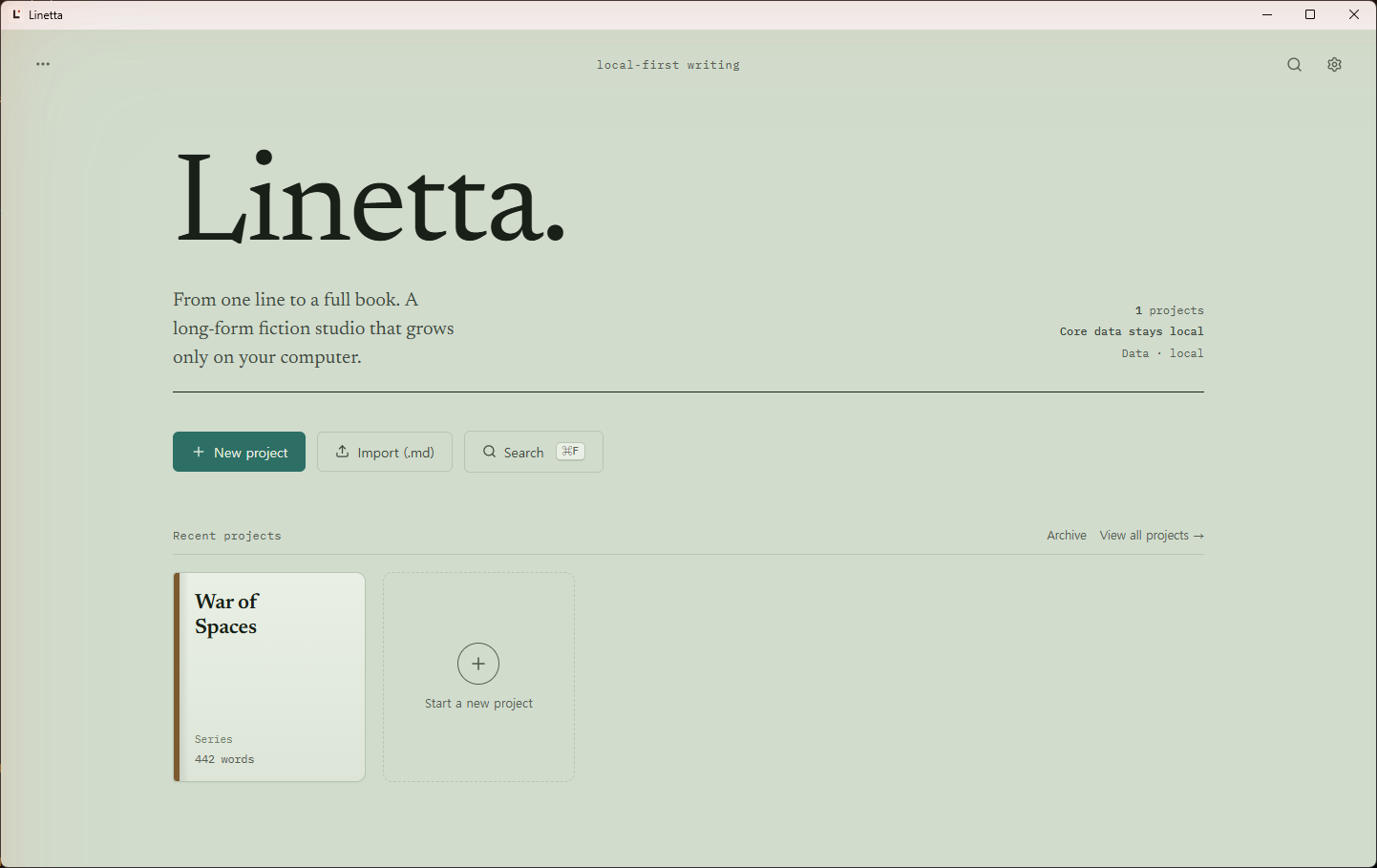
Linetta has no account and no mandatory cloud. Everything below is on your own disk, in formats you can read without it.
Where it lives
- macOS
- ~/Library/Application Support/com.devlikebear.linetta
- Linux
- ${XDG_DATA_HOME:-~/.local/share}/com.devlikebear.linetta
- Windows
- %APPDATA%\com.devlikebear.linetta
library.db One SQLite library
Projects, scenes, outline, entities, relationships, plot, version snapshots, the memories an agent reads, and every skill’s version history, in a single database file.
Snapshots History that thins, not disappears
Manual snapshots are kept indefinitely. Autosave snapshots go from every save on the first day to daily after thirty.
backups/ Verified daily backups
A daily backup and a pre-migration backup, kept fourteen days, with restore controls at startup. It copies the database and nothing beside it — the skills folder included.
Markdown In and out, freely
Import an existing manuscript, export scenes as Markdown into a folder, and optionally let Git carry that folder somewhere else.
§ 05 — Get it
Free on the Mac App Store. Signed builds everywhere else.
The direct macOS build is Developer ID signed and notarised by Apple. Windows and Linux installers are published on every GitHub release.
Current release v1.9.0
Mac App Store
Free. The simplest way onto an Apple Silicon Mac.
Homebrew — Apple Silicon
Signed and notarised, updated with the tap.
brew install --cask devlikebear/tap/linetta
Windows
NSIS and MSI installers on every release.
Linux
AppImage, .deb and .rpm packages on every release.
Intel Macs, and anyone who would rather compile it, can build from source: a Tauri 2 Rust shell, React and Vite, an embedded Go engine, and SQLite.
§ 06 — Questions
Before you download.
- 01 Does Linetta need an account or a subscription?
- No. Writing, organisation, import and export, snapshots and backups all work without one. There is no Linetta account to create.
- 02 Is there AI inside the app?
- Optionally. A built-in agent can write for you once you connect a provider — Anthropic, Google Gemini, a ChatGPT sign-in or an OpenAI-compatible endpoint — and consent to it, provider by provider. Or skip that entirely and connect your own agent, such as Claude Code, over the MCP server instead.
- 03 Can I bring an existing manuscript?
- Yes. Markdown import and export both work, so a work can arrive from another tool and leave for one.
- 04 Is my writing uploaded anywhere?
- Not by default, and never to a Linetta cloud — there is none. It leaves this device only once you turn something on: the built-in agent sends what it works on to the provider you connected, an MCP client you run reads it, and GitHub Sync or Folder Sync, once configured, export your whole library on a daily tick and at every launch.
- 05 What about iPad and Android?
- The engine is built for mobile targets and the iPad layout is in progress, but mobile does not host the MCP server. The desktop app is the supported product today.
- 06 What licence is it under?
- AGPL-3.0-only. The source is on GitHub, and commercial licensing options are described in the licence notice.